




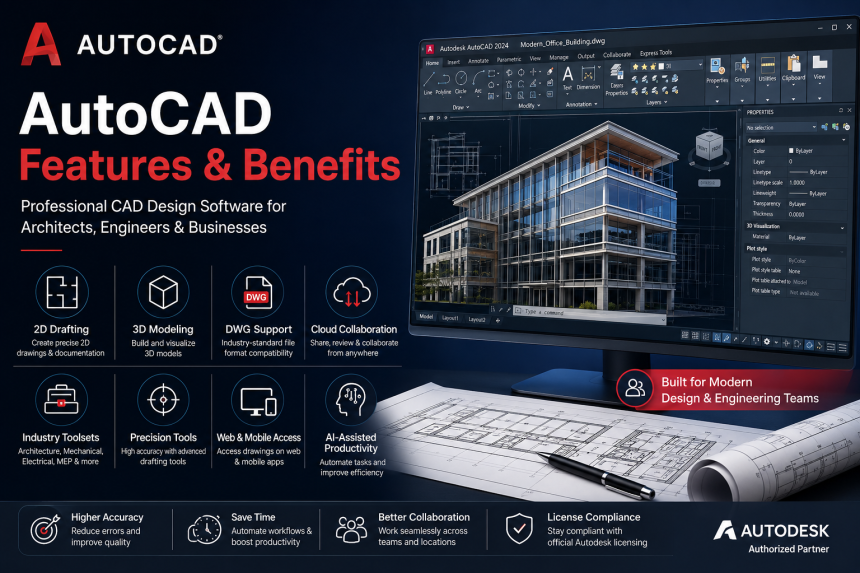
Autodesk AutoCAD is one of the world’s most widely used CAD (Computer-Aided Design) software for architects, engineers, designers, and construction professionals. From 2D technical drawings to advanced 3D modeling, AutoCAD software helps businesses create accurate, scalable, and professional designs efficiently.
In this guide, I will explore AutoCAD features, benefits, industry use cases, collaboration tools, and why AutoCAD remains a global industry standard.
What is AutoCAD?
AutoCAD is a professional CAD software developed by Autodesk for:
- 2D drafting,
- 3D design,
- engineering drawings,
- floor planning,
- technical documentation,
- industrial design.
It is widely used across:
- architecture,
- engineering,
- manufacturing,
- interior design,
- construction,
- infrastructure projects.
Key AutoCAD Features
1. 2D Drafting & Documentation
AutoCAD is highly popular for precision-based 2D drafting.
Users can create:
- floor plans,
- elevations,
- layouts,
- technical schematics,
- mechanical drawings,
- electrical plans.
Its precision tools improve design accuracy and productivity.
2. 3D Modeling & Visualization
AutoCAD supports powerful 3D capabilities including:
- solid modeling,
- surface modeling,
- mesh objects,
- rendering,
- visualization tools.
Designers can create realistic presentations and prototypes.
3. DWG File Compatibility
AutoCAD uses the industry-standard DWG file format.
Benefits include:
- easy file sharing,
- compatibility across teams,
- seamless project collaboration,
- long-term design accessibility.
DWG support makes AutoCAD highly accepted globally.
4. AutoCAD Web & Mobile Access
Modern AutoCAD subscriptions include:
- AutoCAD Web App
- AutoCAD Mobile App
Professionals can:
- review drawings,
- edit files,
- collaborate remotely,
- access projects from anywhere.
This improves flexibility for field teams and hybrid work environments.
5. Industry-Specific Toolsets
AutoCAD includes specialized toolsets for different industries.
Available Toolsets:
- Architecture
- Mechanical
- Electrical
- MEP
- Plant 3D
- Map 3D
- Raster Design
These industry toolsets improve productivity significantly.
6. Cloud Collaboration
AutoCAD supports cloud-based workflows for:
- file sharing,
- project collaboration,
- version control,
- remote teamwork.
This is especially useful for distributed design teams.
7. Automation & Productivity Tools
AutoCAD helps reduce repetitive tasks through:
- blocks,
- dynamic blocks,
- templates,
- scripts,
- automation workflows,
- macros.
This improves drafting speed and operational efficiency.
8. Precision Design Tools
AutoCAD is known for high-precision drafting capabilities including:
- object snaps,
- grid systems,
- dimensioning,
- annotation tools,
- layer management.
This makes it ideal for technical and engineering projects.
9. PDF Import & Export
Users can:
- import PDFs into drawings,
- export layouts,
- generate printable technical documentation.
This simplifies collaboration with clients and vendors.
10. Security & Licensing Benefits
Genuine AutoCAD subscriptions provide:
- official Autodesk support,
- software updates,
- cloud services,
- license compliance,
- reduced piracy risks.
Businesses benefit from secure and legally compliant software usage.
Benefits of AutoCAD
Improved Design Accuracy
Precision drafting tools reduce human errors.
Faster Project Delivery
Automation and reusable templates improve productivity.
Better Collaboration
Cloud and DWG compatibility simplify team coordination.
Industry Standard Acceptance
AutoCAD is globally recognized across industries.
Scalability
Suitable for freelancers, SMEs, and large enterprises.
Who Uses AutoCAD?
AutoCAD is ideal for:
- architects,
- civil engineers,
- interior designers,
- mechanical engineers,
- construction companies,
- manufacturing industries,
- infrastructure consultants,
- industrial designers.
AutoCAD vs Traditional Drafting
| Feature | Traditional Drafting | AutoCAD |
|---|---|---|
| Precision | Manual | High Accuracy |
| Editing Speed | Slow | Fast |
| Collaboration | Limited | Cloud-Based |
| File Sharing | Physical | Digital |
| Productivity | Lower | Higher |
| Revisions | Difficult | Easy |
Why Businesses Prefer AutoCAD
Organizations choose AutoCAD because it:
- improves productivity,
- reduces drafting time,
- supports collaboration,
- standardizes workflows,
- improves project quality.
It remains one of the most trusted CAD platforms globally.
Final Thoughts
AutoCAD 3d designing software continues to be one of the most powerful and reliable 2D & 3D CAD software for modern businesses and professionals. Whether you are designing buildings, manufacturing components, engineering systems, or infrastructure projects, AutoCAD software provides the tools needed for precision, scalability, and collaboration.
Its combination of drafting accuracy, cloud collaboration, industry toolsets, and workflow automation makes AutoCAD an essential solution for modern design and engineering teams.